Guide to Install netmirror APK on Your Android Device
.webp)
Learn how to manually install the netmirror APK on your Android device for streaming sports, news, and TV shows.
Step-by-Step Guide to Installing netmirror APK on Android
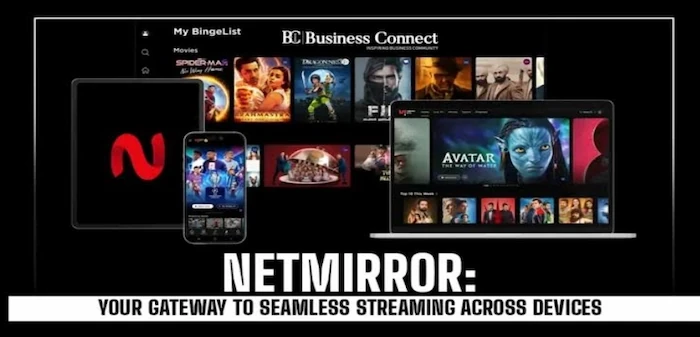
If you are looking for a reliable app to stream your favorite sports, news channels, or TV shows, then netmirror is an excellent option. This app offers a range of live broadcasts and is particularly popular among enthusiasts who want to stay updated with current events and entertainment. However, it is important to note that netmirror is not available on the Google Play Store, which means you will need to install it manually using an APK file.
Installation Steps for netmirror APK
- Download the APK File: To begin, download the netmirror APK file from its official website or a trusted source. Ensure that you are using a reliable site to avoid downloading malware.
- Locate the Downloaded File: Next, navigate to your device's storage where the downloaded file is saved, typically in the Downloads folder.
- Install the APK: Tap on the APK file to start the installation process. If your device blocks the installation, you will need to enable the option for Install from Unknown Sources. To do this, go to Settings → Security/Privacy, then toggle the option on. Once installation is complete, it is advisable to turn this setting back off.
- Complete Installation: Follow the on-screen instructions to finish the installation. Once done, you can click Buka to launch the app.
Safety Precautions
It is crucial to prioritize your security when installing third-party applications. Always ensure that you download the APK file from official websites to reduce the risk of installing malicious software. You can also run an antivirus scan on the downloaded file. After installing the app, remember to disable the unknown source option to keep your device safe.
Frequently Asked Questions (FAQ)
Does netmirror require registration?
No, you can use netmirror without the need to create an account. Simply download and install the app to start enjoying the content.
What should I do if the app is lagging?
If you experience lag, try restarting your device or ensuring a stable internet connection. Additionally, check if there are any updates available for the app.
Is netmirror compatible with tablets?
Yes, netmirror supports tablet devices, providing similar functionality as on smartphones.
Disclaimer
Please note that netmirror is a third-party aggregation tool. The content provided within the app is copyrighted and belongs to the original creators. Users accept all risks associated with the use of this application, including potential legal implications.
By following the steps above, you can successfully install the netmirror APK on your Android device and enjoy a variety of live broadcasts and entertainment content!